Workflows
How to use the Obsidian Tasks plugin: a minimal setup
Four steps to a working task system in Obsidian: install and configure, write a task, query your tasks, and complete them safely. Kept deliberately minimal.
The ZPXE Team··10 min
The team behind ZPXE, a local-first, deterministic assistant for your Obsidian second brain. We write about task prioritization, personal knowledge management, and software that explains its own decisions.
Four steps to a working task system in Obsidian: install and configure, write a task, query your tasks, and complete them safely. Kept deliberately minimal.
Overwhelm is carrying every task in your head at once. Empty it to a trusted list, shrink to today's few, start the smallest piece, and the freeze lifts.
Tasks is a task engine; Dataview is a query engine. They do different jobs, most people run both, and one recurrence trap decides how to combine them.
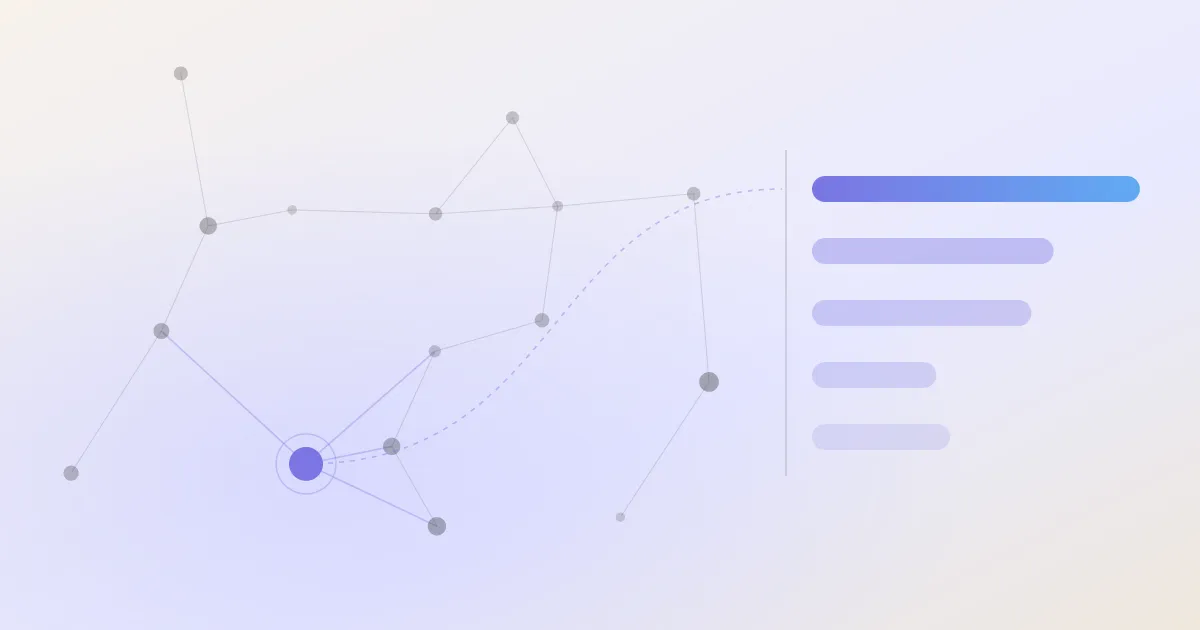
A note that well-connected notes point to is more central to your thinking than an isolated one, and you can measure it. Note gravity, PageRank and its limits.
Deciding your day is extracting a shortlist, not ranking your whole backlog. A short repeatable morning procedure that cuts a long list to what matters now.
The Tasks plugin is the right first install for tasks in Obsidian. What it does, how its six priority levels really work, where it stops, and how to pair it.
An opaque ranker that errs once gets abandoned; a transparent one gets corrected and kept. The case for a task ranking whose reasons are its arithmetic, shown.
Prioritising well means scoring, not guessing. The methods that work, from the Eisenhower matrix to weighted scoring, and where each fits your list size.
Most productivity apps perfect capture and presentation and leave deciding, the part you were stuck on, to you. The structural failure, and the fix.
Tasks, Dataview, TaskNotes, Task Genius and ZPXE compared for real. There is no single best plugin, only a best one for capture, presentation, or the daily decision.
Obsidian has no built-in task management beyond a Markdown checkbox. Here is what it does natively, and whether your tasks belong in a vault at all.
How task management really works in Obsidian: the Tasks plugin, Dataview, TaskNotes and where a deciding layer like ZPXE fits, with the honest limits of each.
Een dynamische takenlijst is een Tasks-query die zichzelf vult en bijwerkt, geen lijst met de hand. Zo bouw je er een, met filters en de Dataview-valkuil.
The Obsidian Kanban plugin still works but is community-hosted and seeking maintainers. Why your boards are safe anyway, and the real alternatives.
Le débordement ne vient pas du nombre de notes. Rangez moins, reliez plus, et séparez retrouver une note de décider quoi faire.
Tasks pour penser en dates, Kanban pour penser en étapes, et souvent les deux. Comparatif honnête, plus la couche qui décide par quoi commencer.
Das Gefühl, nichts mehr zu finden, kommt nicht von der Notizenzahl, sondern von verstreuten Aufgaben. Sammeln Sie sie in einer Abfrage und ordnen Sie sie.
Obsidian vs Capacities for tasks comes down to one question: plain files you own, or a polished cloud object model you don't configure. Compared on exactly that.
No single way the Obsidian community tracks tasks, only recurring approaches for different needs. An honest survey of the methods and the gap they share.
Manage a quick errand and a six-month project the same way and Obsidian feels clumsy. The two-container approach: inline checkboxes for tasks, a note per project.
El agobio no viene del número de notas. Ordena menos, enlaza más y separa encontrar una nota de decidir qué hacer.
Native Obsidian checkboxes handle more than the plugin-heavy tutorials admit. How far native tasks go, the one plugin worth adding, and when to add a ranking layer.
Tasks or TaskNotes? Inline checkboxes versus one note per task, compared fairly, plus the third piece both miss: a layer that decides what to do first.
Ein großes Vault fühlt sich nicht wegen fehlender Ordner unübersichtlich an. Weniger ordnen, mehr verbinden, und Finden vom Entscheiden trennen.
Notion para una base de datos en la nube, Obsidian para tareas locales junto a tus notas. Comparación honesta, más la capa que decide qué hacer primero.
Obsidian non gestisce i task di serie oltre a una casella. La guida completa: caselle, plugin Tasks, note di progetto e lo strato che decide.
Obsidian beheert taken niet standaard verder dan een vinkje. De complete gids: vinkjes, de Tasks-plugin, projectnotities en de laag die beslist.
O Obsidian não gerencia tarefas nativamente além de uma caixa. O guia completo: caixas, plugin Tasks, notas de projeto e a camada que decide o que fazer.
About to abandon tasks in Obsidian? The problem is usually an over-built setup, not the tool. A minimal reset and a seven-day workflow that survives a busy week.
Tasks spread across dozens of notes? Don't move them into one list. Leave them where they live and pull them into a single view with a query. The minimal cleanup.
Swap Todoist or Things for Obsidian when your tasks live beside your notes. The full capture-to-completion workflow, and where a standalone app still wins.
Local-first keeps the primary copy of your notes on your device. Why that makes Obsidian's privacy structural, not a promise, and where the cloud still wins.
O plugin Tasks é a melhor base, mas nenhum plugin decide o que fazer primeiro. Comparativo honesto de Tasks, Dataview e TaskNotes, por missão.
Obsidian ne gère pas les tâches nativement au-delà d'une case. Le guide complet : cases, plugin Tasks, notes de projet et la couche qui décide quoi faire.
データベースの無いObsidianでもタスクは整理できる。Notionとの違いを正直に比べ、クエリで集め、その上に決める層を重ねる整理術を解説します。
Le plugin Tasks est la meilleure base, mais aucun plugin ne décide quoi faire en premier. Comparatif honnête de Tasks, Dataview et TaskNotes, par mission.
Filtern und Priorisieren sind zwei Aufgaben. Eine Tasks-Abfrage filtert automatisch; das Ordnen nach Wichtigkeit übernimmt eine lokale Ordnungsebene.
Obsidian no gestiona tareas de forma nativa más allá de una casilla. La guía completa: casillas, el plugin Tasks, notas de proyecto y la capa que decide qué hacer.
Leaving Notion for privacy? Obsidian, Standard Notes, Logseq and Anytype compared on where your data actually lives, plus where a local task layer fits.